Home Planner plans and pricing
Every plan has floor plans, 3D and furniture to scale. Upgrade for more AI, client work or teams.
 Secure payment
 Works on iPhone, iPad, Android, Mac and Windows
PRO++
Ideal for teams and brands
Your company catalog, projects sent to your CRM. One PRO++ per person.
Renews yearly · Cancel anytime · Secure checkout by Stripe
AI redesign+photo
AI videos
3D designs
Realistic photos
Imported 3D models
Sync between devices
Your company catalog in the app
Shared company projects
Projects sent to your CRM or Google Sheets
3ds Max export
Premium support
Free
Ideal for exploring ideas
Draw a room, furnish it to scale and try up to 4 AI redesigns.
Free forever
AI redesign+photo
AI videos
3D designs
Realistic photos
Imported 3D models
Sync between devices
2D floor plans and a 3D view
Co-editing with family and friends
Works on iPhone, iPad, Android, Mac and Windows
PRO
Ideal for your own renovation
Measure your rooms, unlock PRO catalog items and get AI redesigns every day.
Renews yearly · Cancel anytime · Secure checkout by Stripe
AI redesign+photo
AI videos
3D designs
Realistic photos
Imported 3D models
Sync between devices
Enter exact room and wall sizes
PRO catalog items
AI floor plan recognition
Edit your AR room scans
PRO+
Ideal for client work
Send clients estimates they sign online, and show designs in 4K under your brand.
Renews yearly · Cancel anytime · Secure checkout by Stripe
AI redesign+photo
AI videos
3D designs
Realistic photos
Imported 3D models
Sync between devices
Client estimates your clients sign online
Commercial use for client projects
Your logo, no watermark
Furniture in DWG/DXF for CAD
Offline mode
PRO++
Ideal for teams and brands
Your company catalog, projects sent to your CRM. One PRO++ per person.
Renews yearly · Cancel anytime · Secure checkout by Stripe
AI redesign+photo
AI videos
3D designs
Realistic photos
Imported 3D models
Sync between devices
Your company catalog in the app
Shared company projects
Projects sent to your CRM or Google Sheets
3ds Max export
Premium support
Free
Ideal for exploring ideas
Draw a room, furnish it to scale and try up to 4 AI redesigns.
Free forever
AI redesign+photo
AI videos
3D designs
Realistic photos
Imported 3D models
Sync between devices
2D floor plans and a 3D view
Co-editing with family and friends
Works on iPhone, iPad, Android, Mac and Windows
Already subscribed? Manage subscription
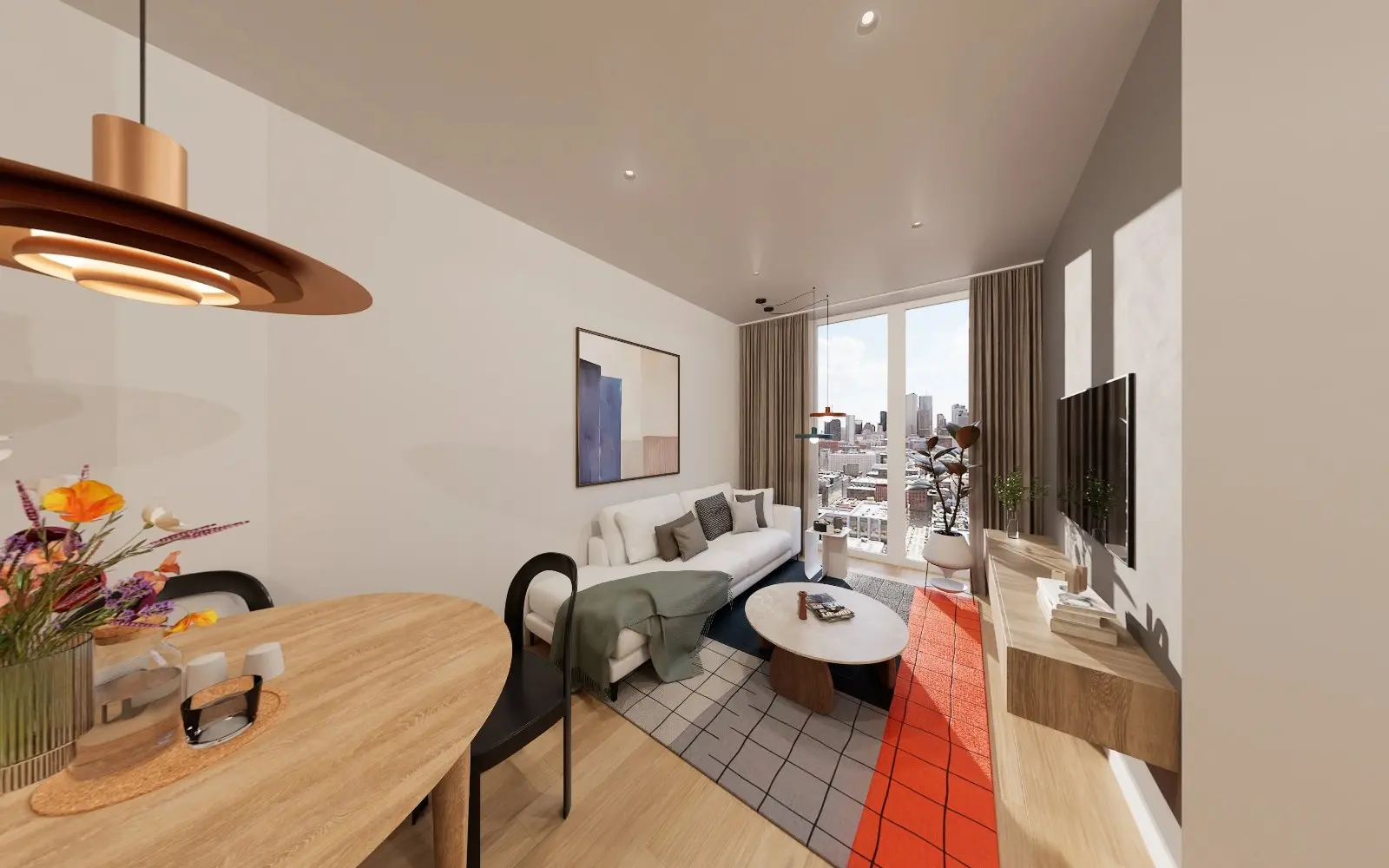 360° tour · Scandinavian sample
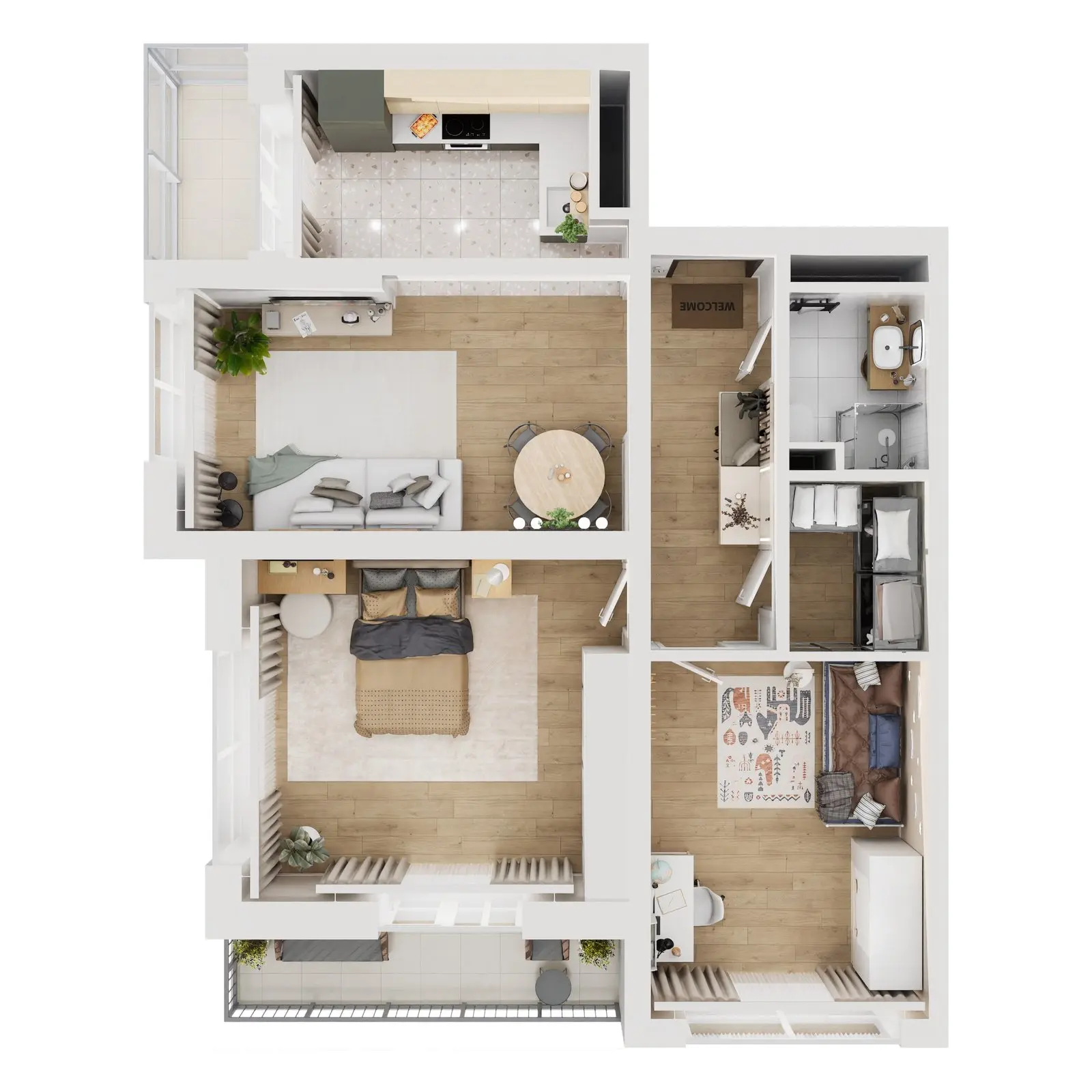
Home Planner design service
A 3D tour of your whole home, made from your floor plan
Send your floor plan: every room furnished in your style, a 3D plan and a 360° tour, in 24 hours.
For furniture and equipment brands
Give your sales reps and dealers an app with only your products: each design can include a priced estimate and be sent to your CRM. White Label from €829 a month for 15 seats.
What homeowners and designers say
4.6 on the App Store · 300,000+ App Store ratings
I live in a small apartment, and every centimeter matters. With the Home Planner, I tested different furniture arrangements before moving anything in real life. I finally found the perfect layout. The space feels bigger and more functional now.
M. Z.
App Store
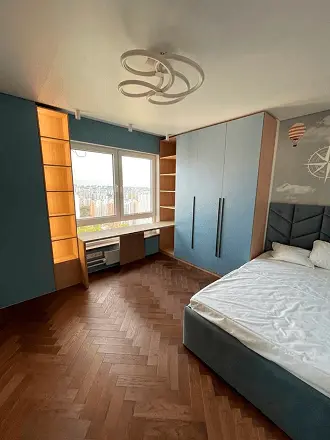
I was honestly terrified to start my renovation. I had no idea how everything would look together. With this app, I created my whole apartment in 3D and tested different layouts before buying anything. It saved me money, time, and so many mistakes. My renovation is finally done — and I love it.
Emily
App Store

I love the community inside the app. Seeing my design featured in the Top Designers section was such a proud moment! It motivates me to experiment more and improve my skills. It's not just about designing — it's about being part of something creative.
Judy
Google Play
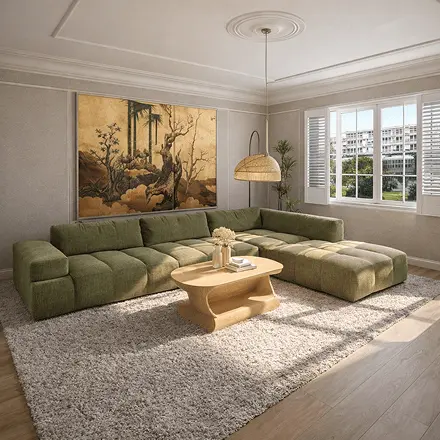
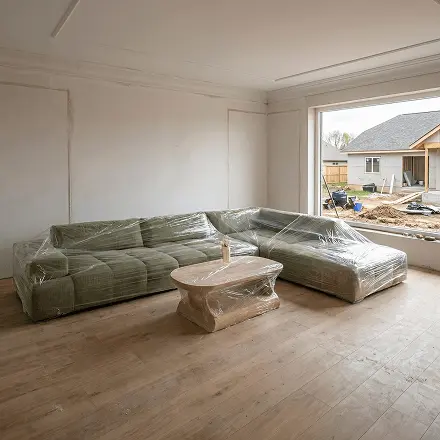
I really wanted that big green sofa in my living room, but I wasn't sure if it would fit or look right. After trying out different layouts, I could finally see how everything worked together. The room feels bright, spacious, and just how I imagined it.
Michaela
App Store
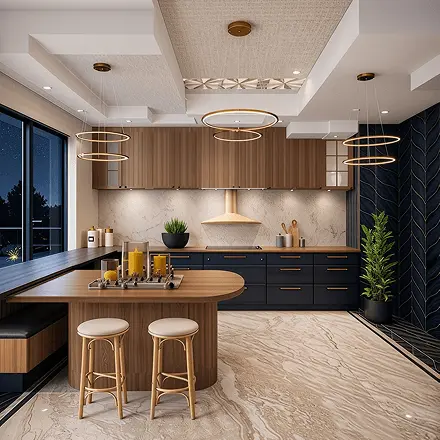
As an interior designer, I use this app daily with my clients. The 3D visualization helps them understand the concept immediately, and we make decisions much faster. It reduced revisions and improved communication. It's not just a tool — it's part of my workflow now.
Camila
Google Play
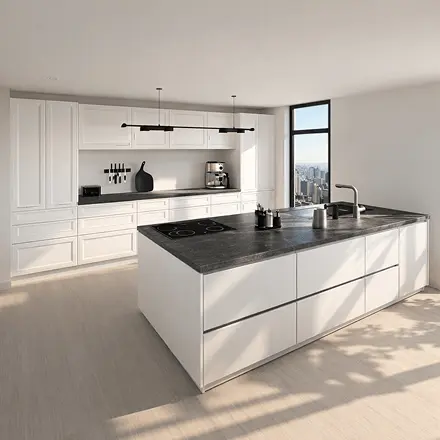

The AI feature is a game changer. I just uploaded my room and got several style suggestions in seconds. It helped me discover combinations I would never think of myself.
Anna
App Store
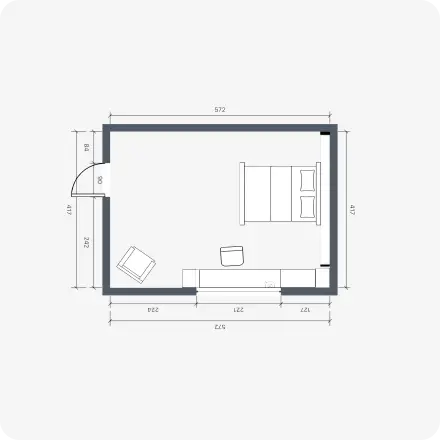
The room scanning feature blew my mind. I scanned my living room in minutes and instantly started redesigning it. No manual measurements, no stress. Everything was accurate and ready to use. It made the whole process feel effortless.
Rafael
Google Play
I live in a small apartment, and every centimeter matters. With the Home Planner, I tested different furniture arrangements before moving anything in real life. I finally found the perfect layout. The space feels bigger and more functional now.
M. Z.
App Store
I was honestly terrified to start my renovation. I had no idea how everything would look together. With this app, I created my whole apartment in 3D and tested different layouts before buying anything. It saved me money, time, and so many mistakes. My renovation is finally done — and I love it.
Emily
App Store
I love the community inside the app. Seeing my design featured in the Top Designers section was such a proud moment! It motivates me to experiment more and improve my skills. It's not just about designing — it's about being part of something creative.
Judy
Google Play
I really wanted that big green sofa in my living room, but I wasn't sure if it would fit or look right. After trying out different layouts, I could finally see how everything worked together. The room feels bright, spacious, and just how I imagined it.
Michaela
App Store
As an interior designer, I use this app daily with my clients. The 3D visualization helps them understand the concept immediately, and we make decisions much faster. It reduced revisions and improved communication. It's not just a tool — it's part of my workflow now.
Camila
Google Play
The AI feature is a game changer. I just uploaded my room and got several style suggestions in seconds. It helped me discover combinations I would never think of myself.
Anna
App Store
The room scanning feature blew my mind. I scanned my living room in minutes and instantly started redesigning it. No manual measurements, no stress. Everything was accurate and ready to use. It made the whole process feel effortless.
Rafael
Google Play
Compare plans
Every limit and feature, plan by plan.
See your home in 3D before you renovate
30M+ downloads. PRO adds exact sizes, AI plan recognition and sync.
Cancel renewal anytime
Frequently Asked Questions
Yes. On the Free plan you can design rooms, try AI redesign and furnish from our catalog. PRO raises the limit from 10 to 20 designs (each one a project) and adds PRO catalog items and sync. PRO+ adds 4K realistic photos, commercial use and your logo. PRO++ adds your company catalog and sends projects to your CRM.
No. Home Planner is completely ad-free on all plans, so you can design without interruptions or distractions.
Yes. Your subscription renews automatically at the end of each billing period until you cancel renewal. Cancel renewal where you subscribed: in your App Store, Google Play or Steam account, or, for a website purchase, with the «Already subscribed? Manage subscription» link on this page.
Yes. You can cancel renewal at any time, where you subscribed (see «Will my subscription renew automatically?»). Your paid plan stays active until the end of your current billing period.
Bought on the App Store or Google Play? Request a refund there, under its refund policy. Bought on Steam or on our website? Email support@homeplannerapp.com to request a refund.
Free lets you try up to 4 AI redesigns. On paid plans, AI redesigns and AI photos count toward one shared daily limit: 50 on PRO, 100 on PRO+, 200 on PRO++. AI videos a week: 2 on PRO, 10 on PRO+, 30 on PRO++. PRO and higher also recognize floor plans from a photo with AI. Realistic photos do not count toward the AI limit.
You can keep using every other design and rendering tool. On PRO, PRO+ and PRO++, AI photo shares the daily limit of 50, 100 or 200, which resets at 00:00 UTC. The up to 4 AI redesigns on the Free plan do not reset; upgrade to get a daily limit. The AI video limit resets 7 days after the first video in each 7-day window, not on a fixed day. On the website, AI tools also have a weekly limit: 150 on PRO, 300 on PRO+ and 600 on PRO++. It resets on Monday at 00:00 UTC.
Offline mode needs PRO+ or PRO++. Most features work online; AI features and cloud sync require an internet connection.
Yes. Free lets you try up to 4 AI redesigns. They do not reset. For a daily AI limit and AI videos, choose PRO, PRO+ or PRO++.
Yes, with PRO+ or PRO++. Free and PRO are for personal use.
Selected laser meters from Bosch, Leica, Mileseey, DeWalt, Stanley and other brands. PRO and higher, on iPhone, iPad, Android and Mac, not on Windows.
Yes, on every plan. Open Sharing in a project, invite people by link or email, and edit together in real time. Using a design for client work needs PRO+ or PRO++.
Home Planner is not affiliated with, endorsed or sponsored by Apple, Google, Microsoft, HubSpot, Pipedrive, Bitrix24, Salesforce, Zapier, Make, Autodesk, Bosch, Leica Geosystems, Mileseey or Stanley Black & Decker; their names and marks belong to their owners. Android is a trademark of Google LLC. iPhone, iPad and Mac are trademarks of Apple Inc., registered in the U.S. and other countries. Other trademarks are the property of their respective owners.