What's new in the app
New features and improvements in Home Planner, release by release, newest first.
 Home Planner·October 31, 2026
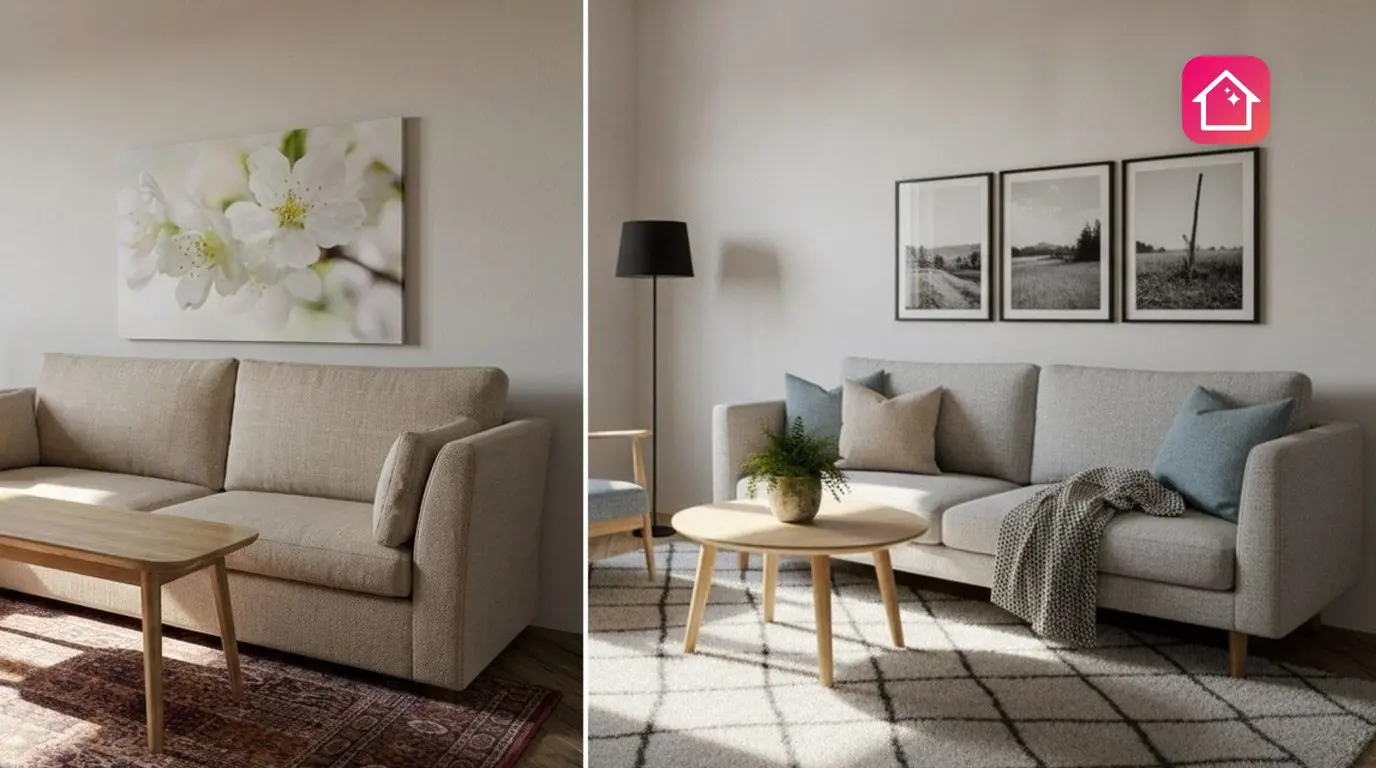
Try a new look for your own room with AI Redesign
AI Redesign in Home Planner has five tools (Style, Color, Light, Clean and Renovate), so you can change one thing in a photo of your room and compare.
 Home Planner·October 31, 2026
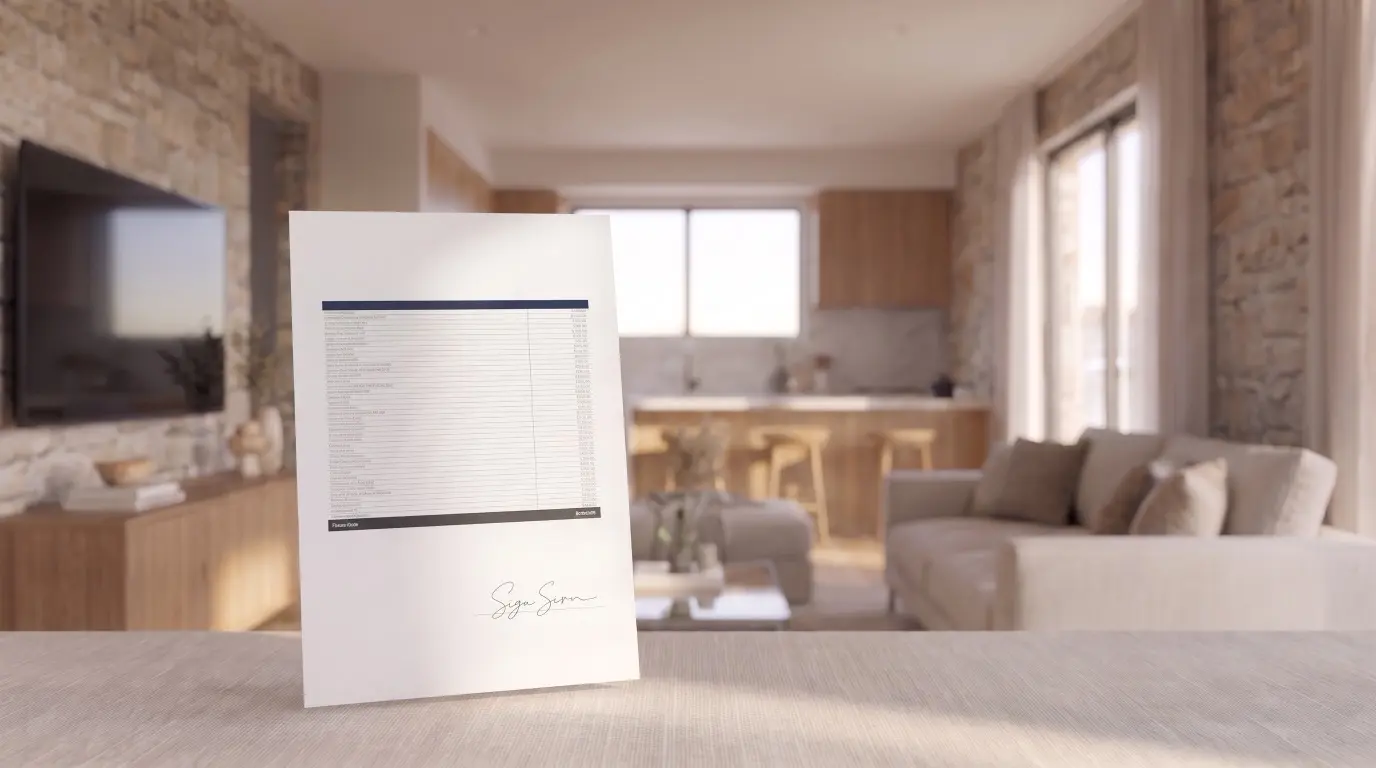
Price a project for your client with Client estimate
Client estimate in Home Planner turns a shopping list into a numbered PDF for your client, with markup inside the prices, work prices and your contacts.
 Home Planner·October 31, 2026
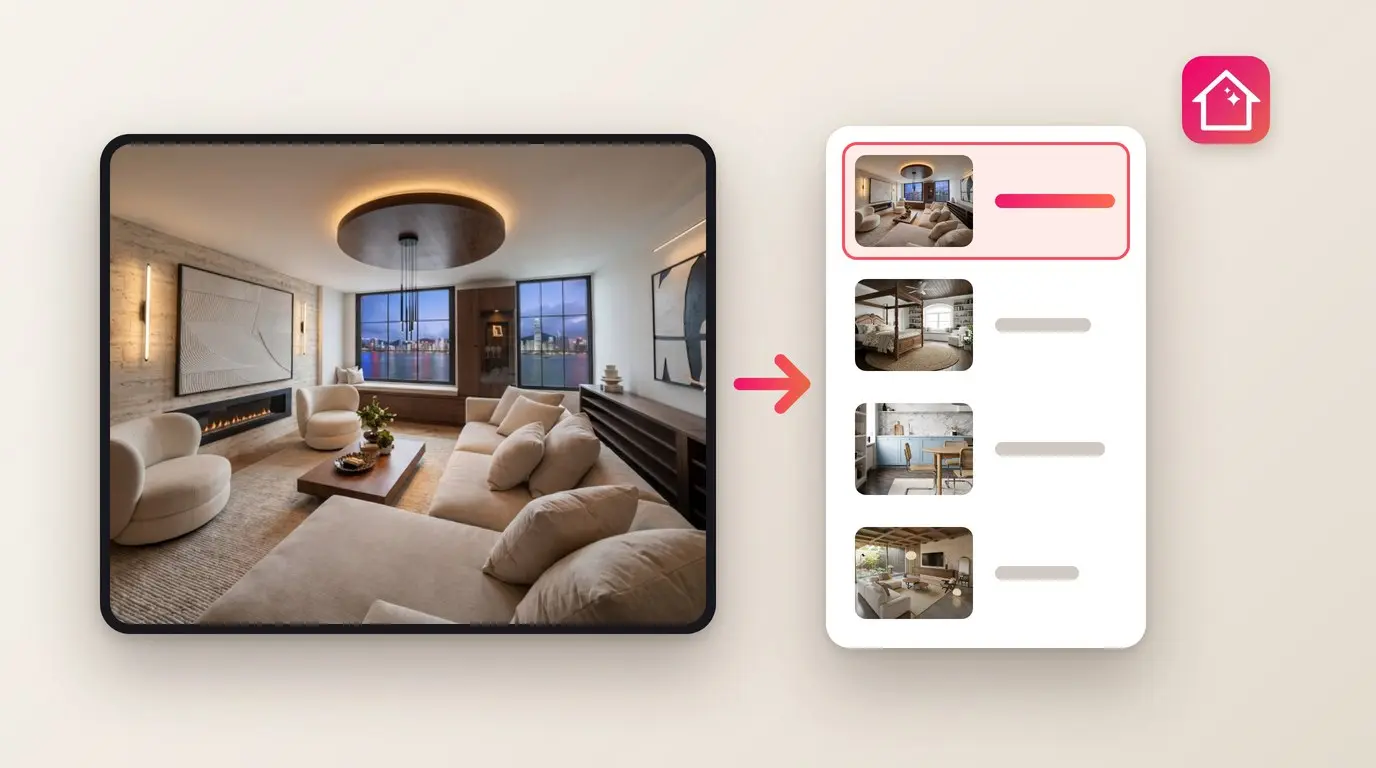
Keep client projects in your CRM with Home Planner
With CRM & spreadsheets in Home Planner, each project you send arrives as one record with rooms, products, prices, the total and the floor plan PDF.
 Home Planner·October 31, 2026
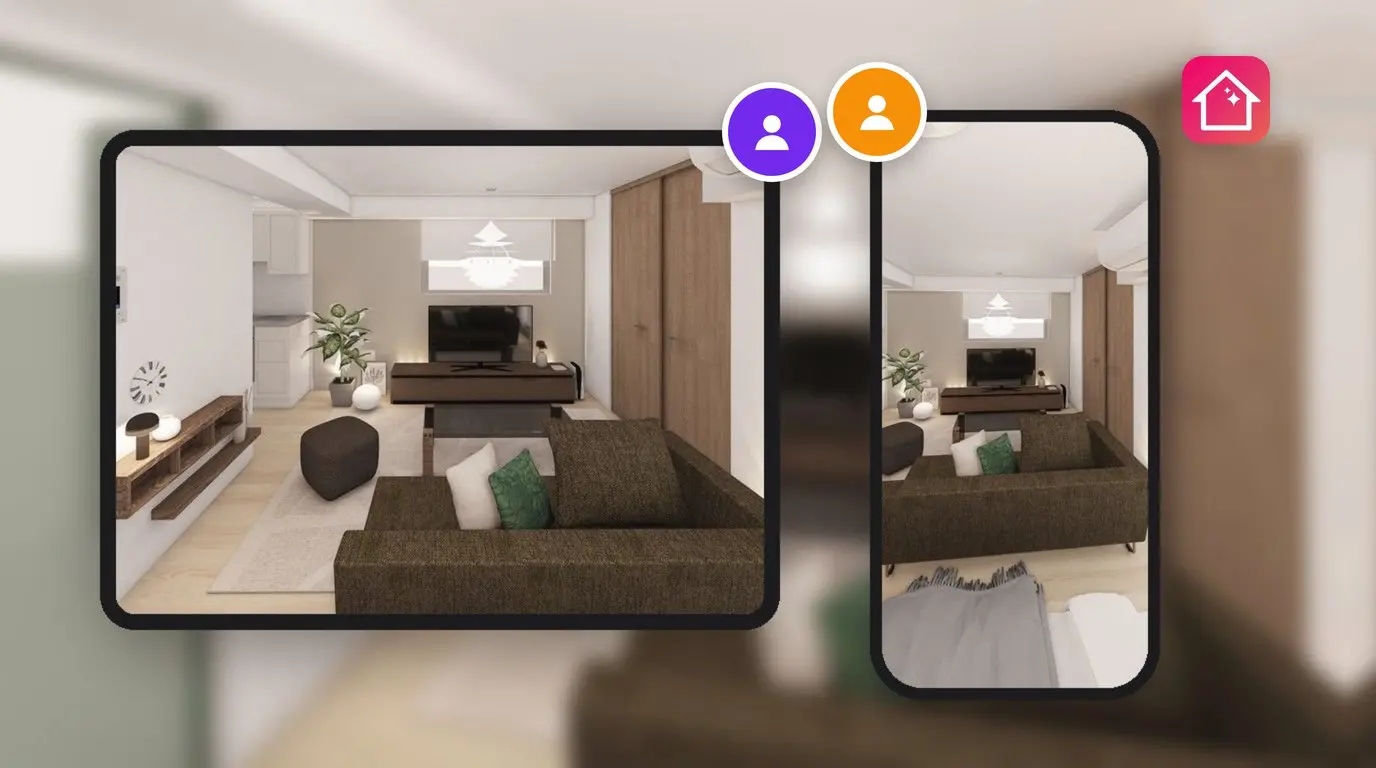
Design together in real time
Share your 3D design in Home Planner by app link or email, and choose who can only look and who can also edit it with you.
 Home Planner·October 31, 2026
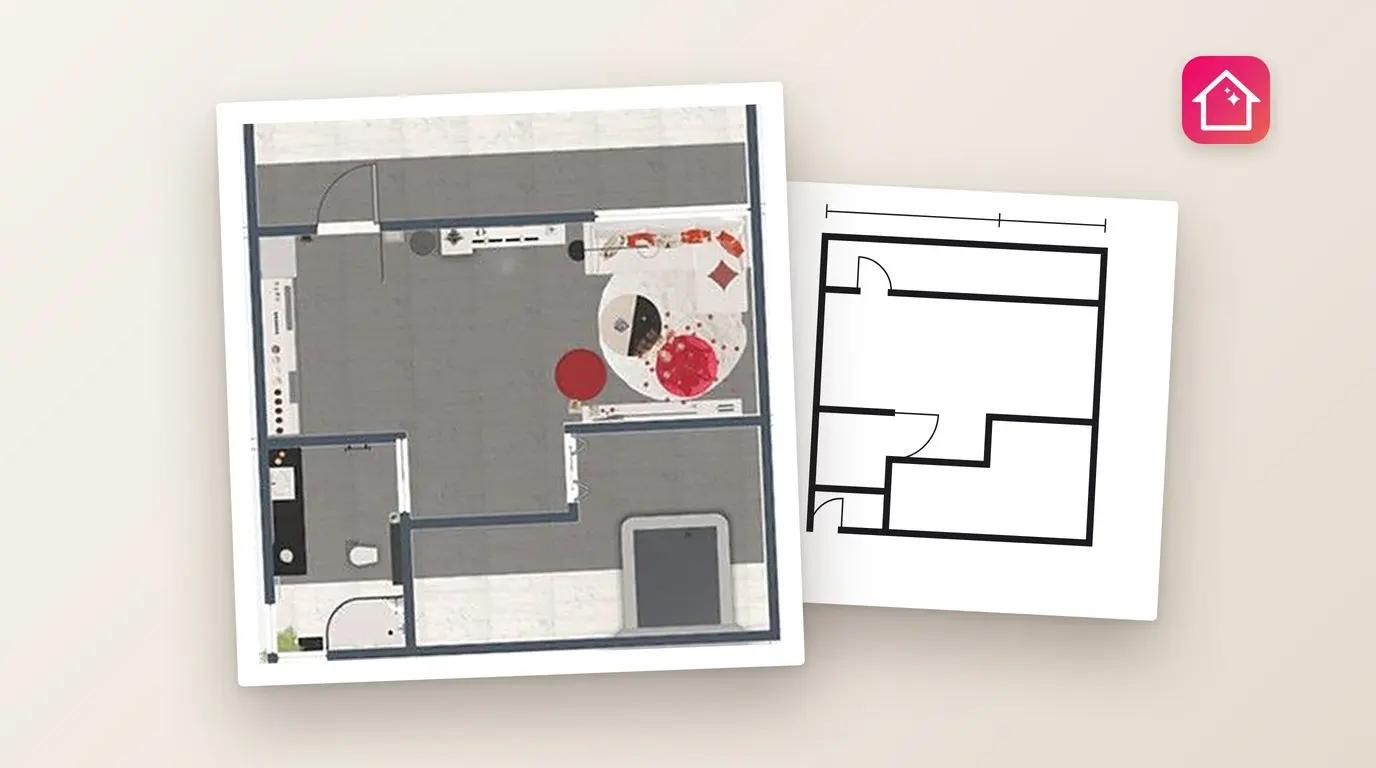
Send your plan as a PDF or a DWG/DXF file
Send your plan as a PDF or a DWG/DXF file: Home Planner adds your logo and estimate to a client PDF and exports DWG, DXF, SVG and to-scale PDF drawings.
 Home Planner·October 31, 2026
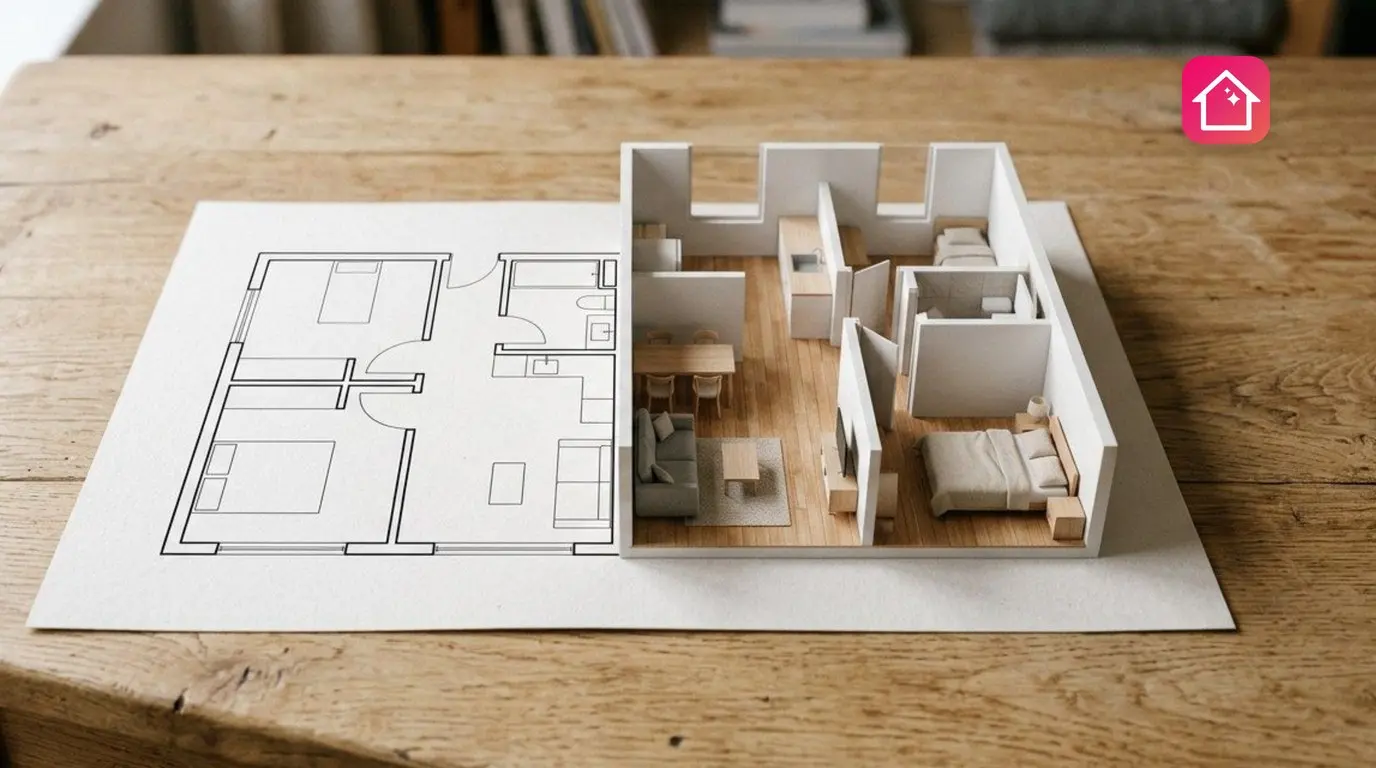
See a floor plan in 3D with Plan from a Photo
Plan from a Photo in Home Planner uses AI to turn a floor plan photo or PDF into an editable 3D design you can walk through.
 Home Planner·October 31, 2026
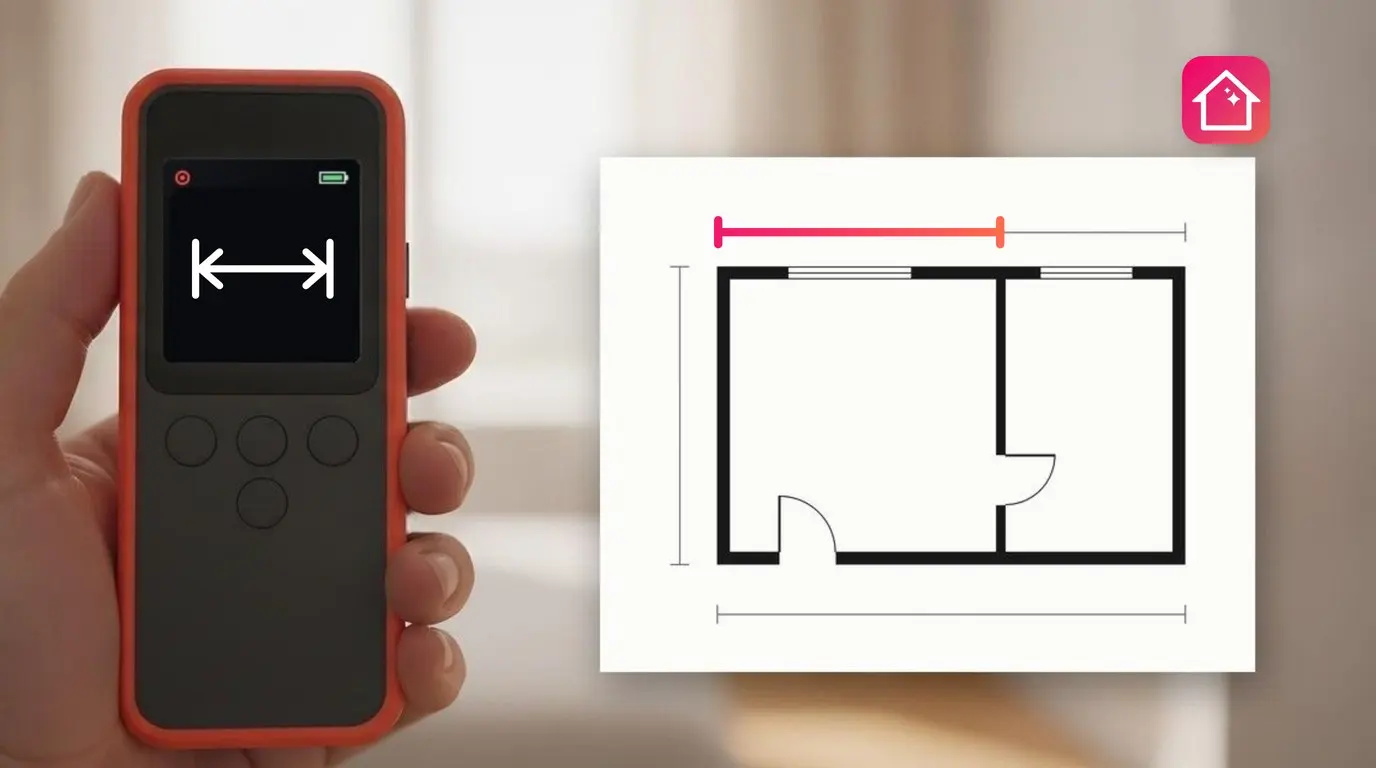
Plan from real measurements with Laser measure
Home Planner is designed to work with selected laser distance meters, so each reading goes straight into your floor plan and you do not type it again.
 Home Planner·October 31, 2026
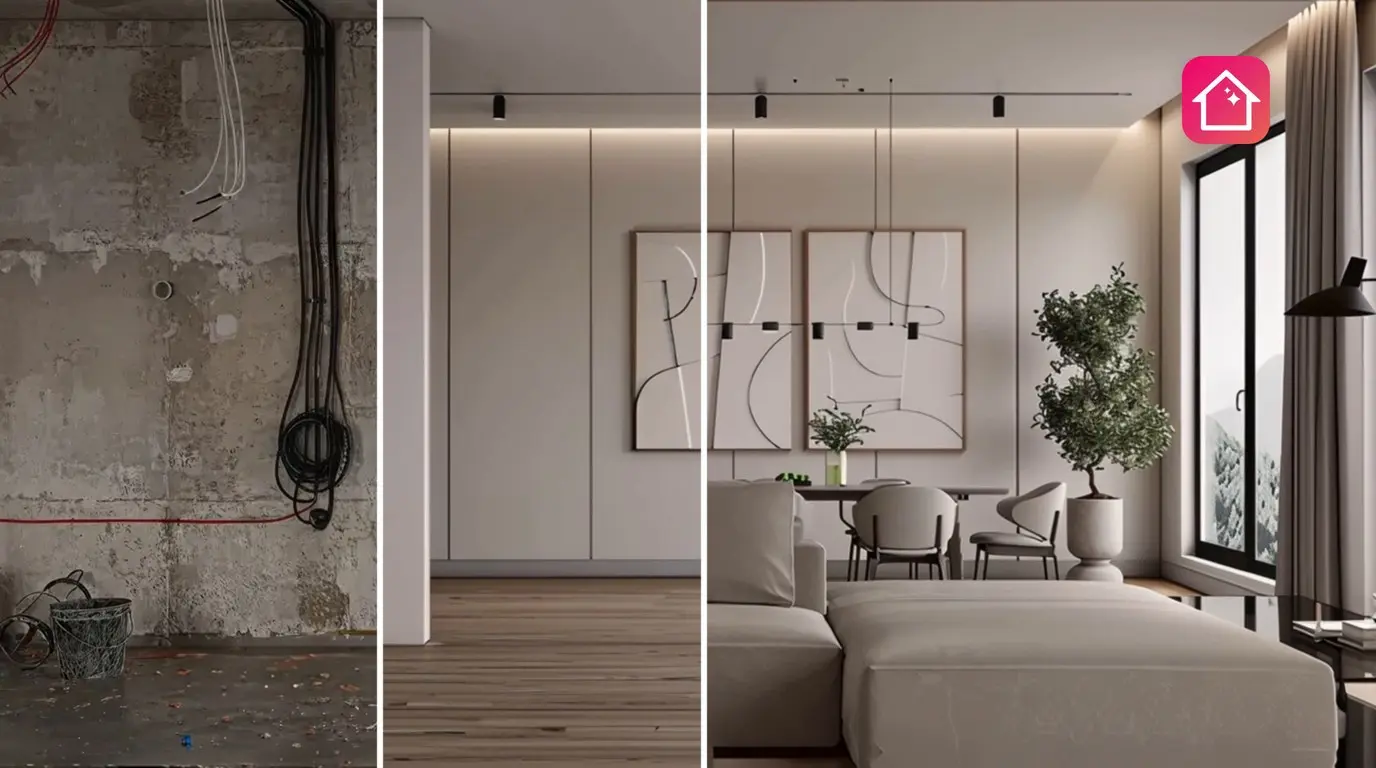
Keep every stage of your renovation with Renovation Diary
Renovation Diary in Home Planner keeps every stage in one timeline, with photos, short notes and the date of each step.
 Home Planner·July 21, 2026
See your design in motion with AI Video
AI Video in Home Planner turns your 3D design into a 5-second video with smooth camera motion, such as Zoom In or Zoom Out.
 Home Planner·March 18, 2026
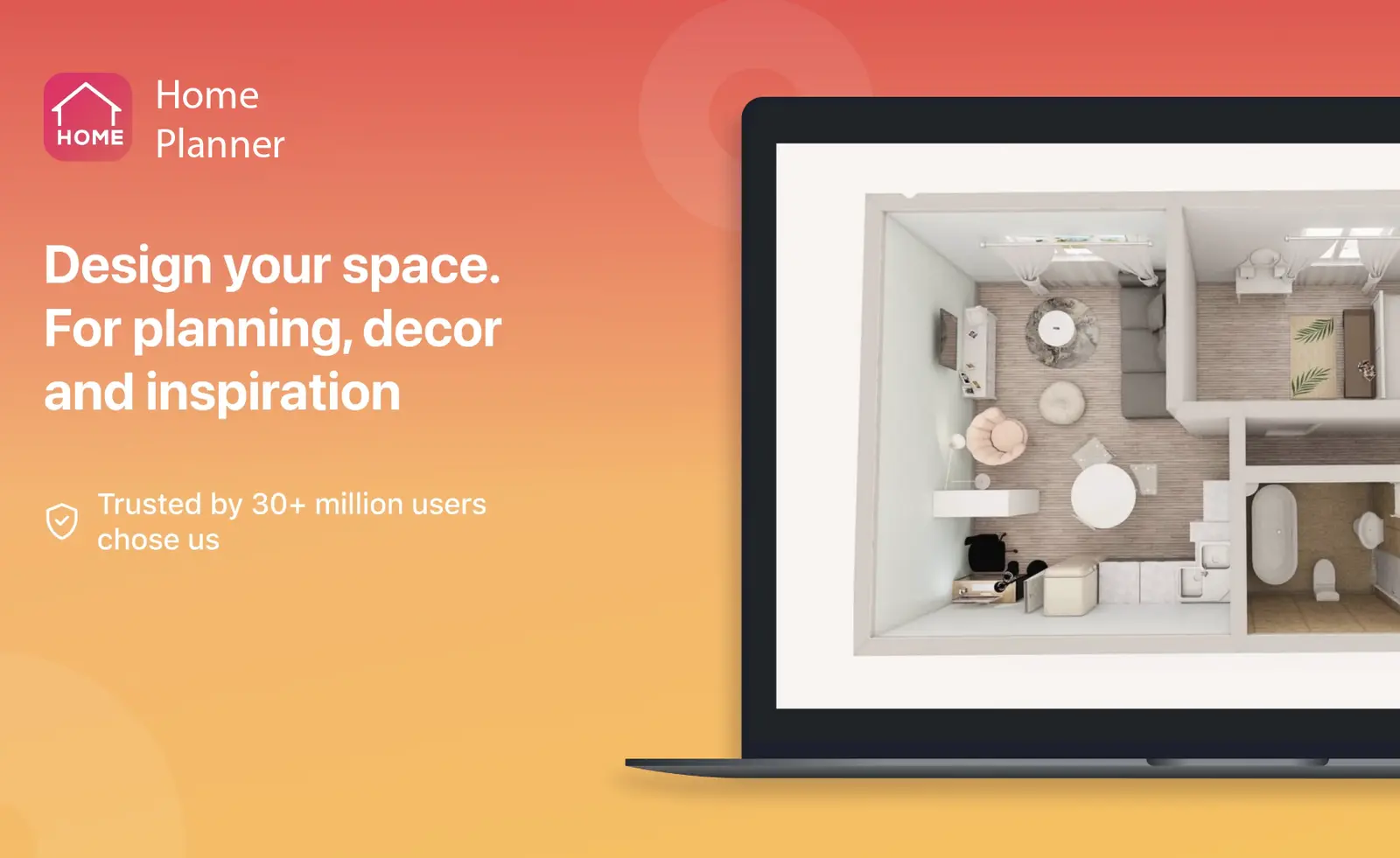
Same App, Bigger Canvas: Designing with Home Planner on Desktop
Home Planner for Windows and macOS offers the same powerful features as the mobile version — but on a larger screen, with full mouse and keyboard navigation. No exclusive features. Just a better way to focus.